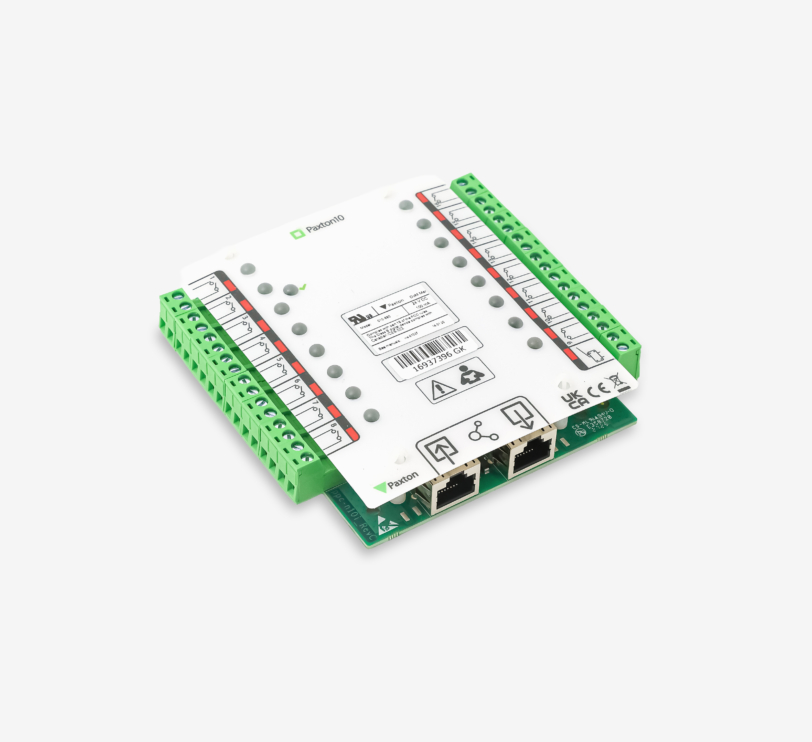
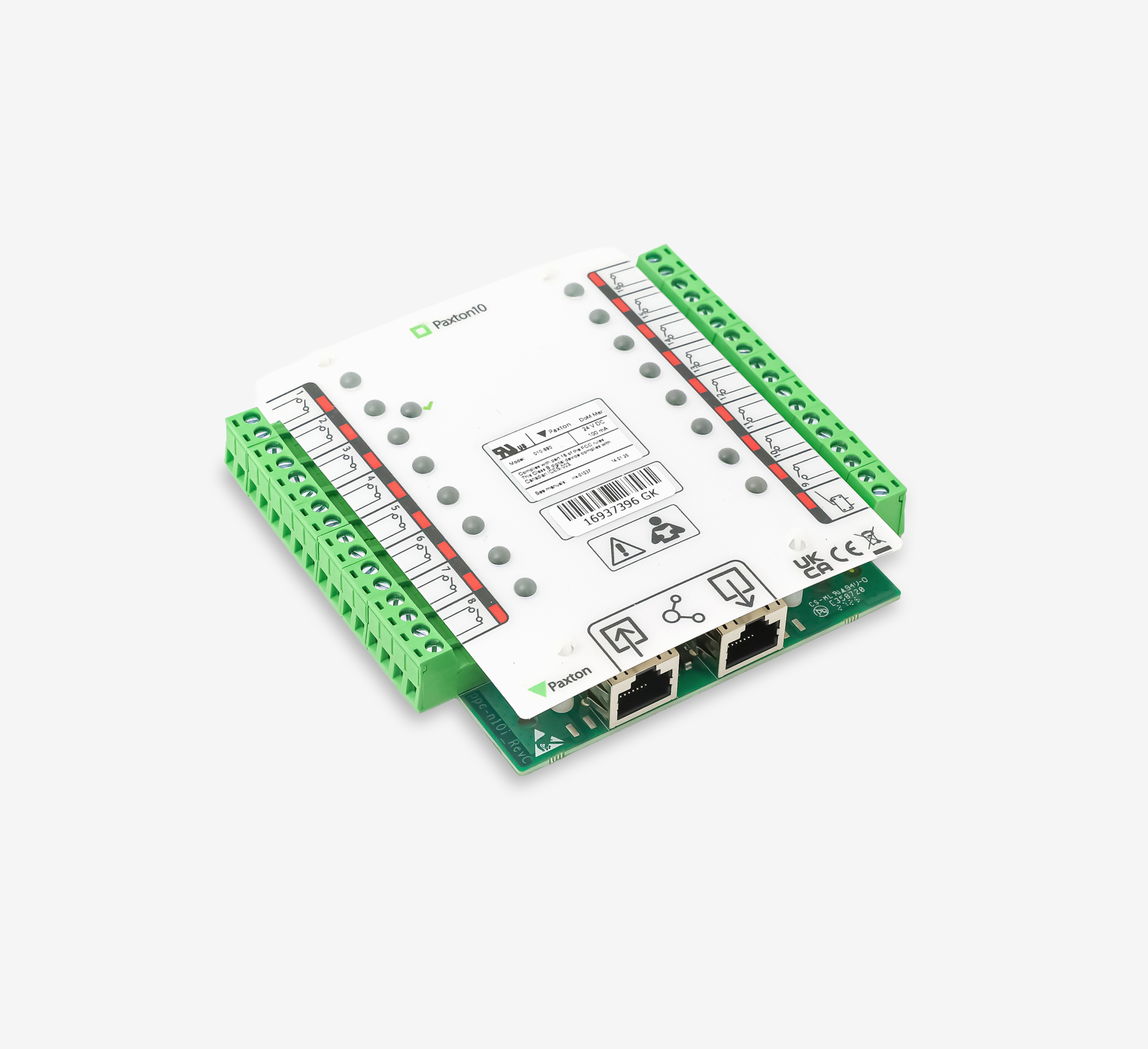
Paxton10 – Input Connector
About – The Paxton10 Input connector is a compact expansion module designed to monitor large numbers of alarm contacts, push-buttons and sensors within the Paxton10 system. The module features 16 independent inputs, allowing you to easily monitor doors, emergency exits, hatches, technical alarms and other contacts. The I/O connector is available in three versions: as an I/O connector, an Input connector (with 16 inputs) and an Output connector (with 8 outputs). These are always supplied as separate PCBs.
Installation – The Input connector is supplied as a separate PCB. Place the Input connector in a suitable housing unit. The Input connectors are stackable, allowing you to install two Input connectors in a single housing unit.
Connect directly to the connector port of a Paxton10 door controller. Communication between the controller and the connector takes place via RS485 with encryption. Connectors are powered by, and communicate directly with a Paxton10 door controller, so no external power supply is required. If the Paxton10 Door Controller uses a 12V power supply, it is possible to connect two Input Connectors in series to a single door controller.
Please note: When the Paxton10 door controller is used with a PoE+ splitter, it is only possible to connect one input connector.
Cabling – The maximum cable distance between the controller and the Input connector is 100 metres. A Cat5 cable fitted with an RJ45 connector must be used to connect the input connector.
- Immediate notification via email when an emergency exit is opened unexpectedly
- Activation of an internal alarm or signal
- Opening a barrier upon entry
Operation – Inputs are configured using the triggers and actions feature within the Paxton10 software.