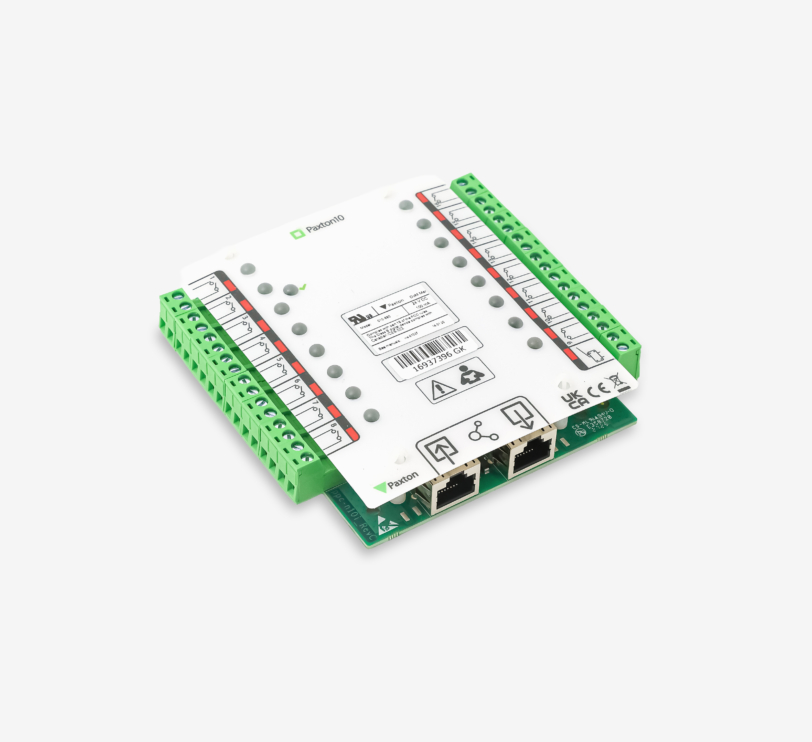
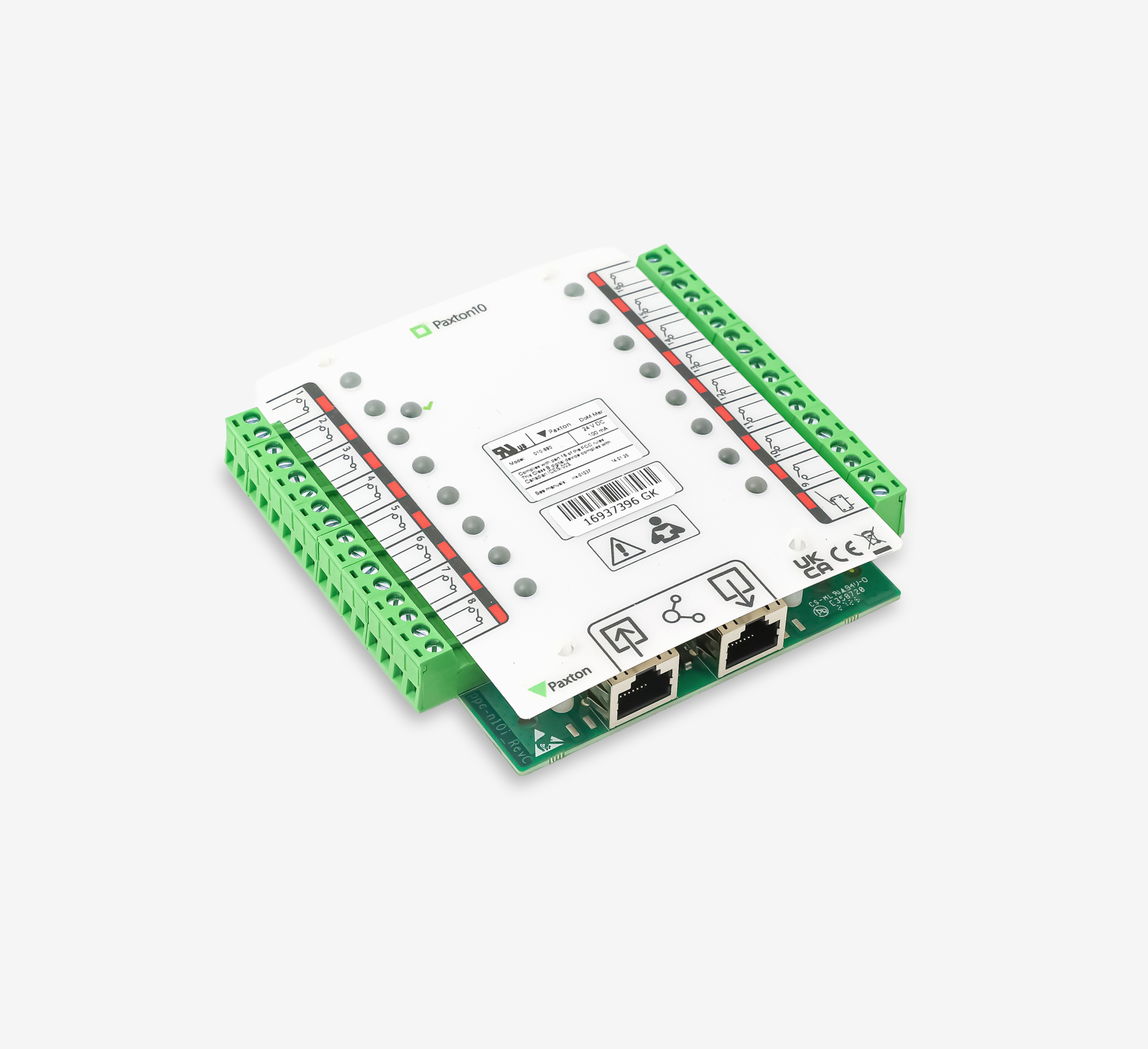
Paxton10 – Input Connector
RRP
£153.00
excl. VAT
About – The Paxton10 Input connector is a compact expansion module designed to monitor large numbers of alarm contacts, push-buttons and sensors within the Paxton10 system. The module features 16 independent inputs, allowing you to easily monitor doors, emergency exits, hatches, technical alarms and other contacts. The I/O connector is available in three versions: as an I/O connector, an Input connector (with 16 inputs) and an Output connector (with 8 outputs). These are always supplied as separate PCBs.
Installation – The Input connector is supplied as a separate PCB. Place the Input connector in a suitable housing unit. The Input connectors are stackable, allowing you to install two Input connectors in a single housing unit.
Connect directly to the connector port of a Paxton10 door controller. Communication between the controller and the connector takes place via RS485 with encryption. Connectors are powered by, and communicate directly with a Paxton10 door controller, so no external power supply is required. If the Paxton10 Door Controller uses a 12V power supply, it is possible to connect two Input Connectors in series to a single door controller.
Please note: When the Paxton10 door controller is used with a PoE+ splitter, it is only possible to connect one input connector.
Cabling – The maximum cable distance between the controller and the Input connector is 100 metres. A Cat5 cable fitted with an RJ45 connector must be used to connect the input connector.
Immediate notification via email when an emergency exit is opened unexpectedly
Activation of an internal alarm or signal
Opening a barrier upon entry
Operation – Inputs are configured using the triggers and actions feature within the Paxton10 software.